
Potion Making Activity by Kelly Robertson
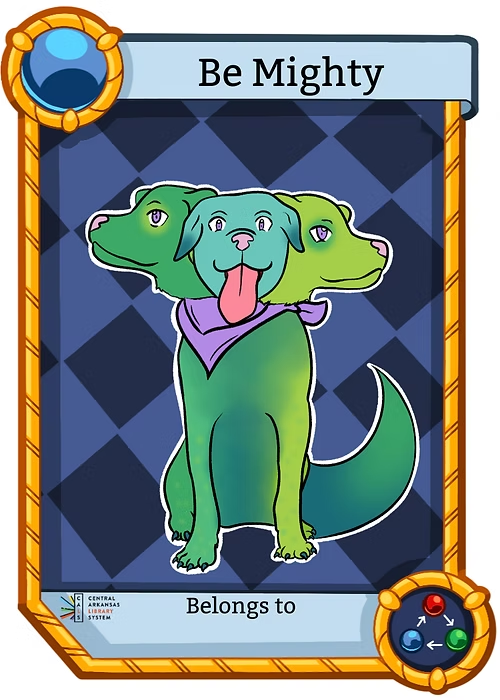
Updated: May 28

Hey friends! We did this activity during one of our meetings at my library and the kiddos had a ton of fun with it. Basically, the kiddos get to play ‘potion maker’ while using critical thinking to ‘cure’ the creatures.
Prepping steps:
1. Cut out the creatures and illnesses to have out for the kiddos to see. I did this with the regular PDF dimensions. I had the ‘card’ and the illness together on a table so the kids could see their patients.
2. Cut out ingredients. I did this by using the same methods we use to print out cards (not the pdf form but the single image. Wallet size should work just fine.) I did about 18 of each ingredient and had leftovers.
3. Put ingredients in baggies labeled with the signs. If you have little cups to hold the ingredients, that’s cool too.
4. Print out recipe sheets/potion sheets/certificates.
5. Sign and date certificates!
Program steps:
1. Pass out one recipe sheet per potion coloring page.
2. Have the kiddos look at their patients and read the illnesses to see which illness they’d like to cure with their potion.
3. Have the kids pick out up to 6 ingredients and glue the cutouts to the recipe sheet. Let them decide how many of each ingredient goes into the recipe.
4. Let kiddos color what the final potion looks like.
5. (Optional) glitter it up!! I had a volunteer who was in control of the glitter for me. They used liquid glue to draw where the glitter would go on the page so kids couldn’t go overboard.
6. When the kids are finished, have a certificate ready for them.
Another optional step is to read the book that inspired this: Zog and the Flying Doctors by Julia Donaldson. We started with this before the kids took off into the activity.
Kelly Robertson
Central Arkansas Library System


AE888 COM mình cũng kiểu nghe người ta nhắc hoài nên ghé thử cho biết. Vừa vào trang là thấy họ làm phần “giới thiệu” khá dễ đọc, không bị nhồi chữ một cục mà chia thành mấy khối thông tin nên lướt nhanh vẫn hiểu đang nói gì. Mình không ngồi lâu, chỉ bấm qua vài mục xem cách trình bày thôi, cảm giác chuyển trang khá mượt, thao tác không bị đứng hay giật giật như vài chỗ khác. Nói chung hợp với ai muốn xem tổng quan trước khi tìm sâu hơn. Mình thích nhất là mấy tiêu đề và đoạn tóm tắt được đặt rõ ràng theo block ngay trên trang, nhìn cái là biết cấu…
Hi88.com mình thấy bạn bè nói hoài nên bữa rảnh bấm vô xem thử cho biết thôi. Mình không có ngồi đọc kỹ hay làm gì nhiều, chủ yếu nhìn cách họ làm giao diện. Cảm giác đầu tiên là trang nhìn khá gọn, khoảng trắng vừa đủ nên không bị rối mắt. Mấy phần nội dung được chia thành từng khối rõ ràng, kéo xuống tới đâu biết mình đang ở mục nào tới đó, đỡ phải căng mắt tìm. Cái mình thích là menu để ngay chỗ dễ thấy, bấm qua lại vài trang thấy phản hồi nhanh, không phải mò mẫm nhiều. Nói chung lướt vài phút là quen tay vì bố cục chia khối và cột…